
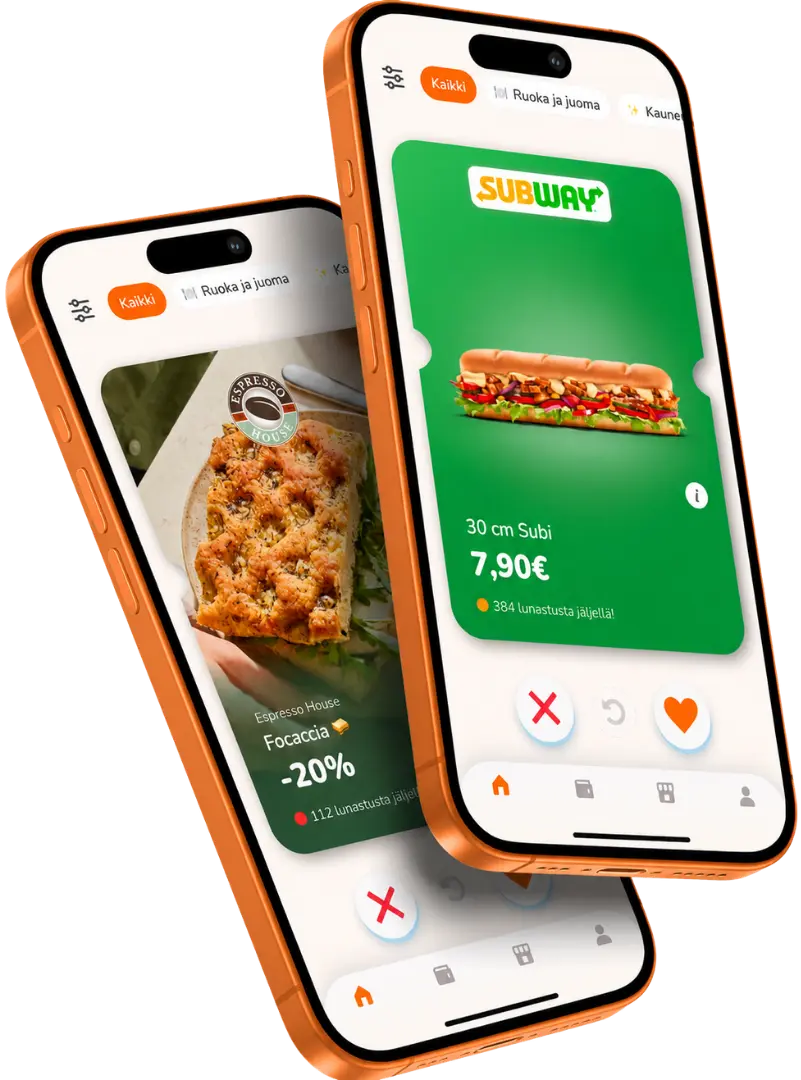


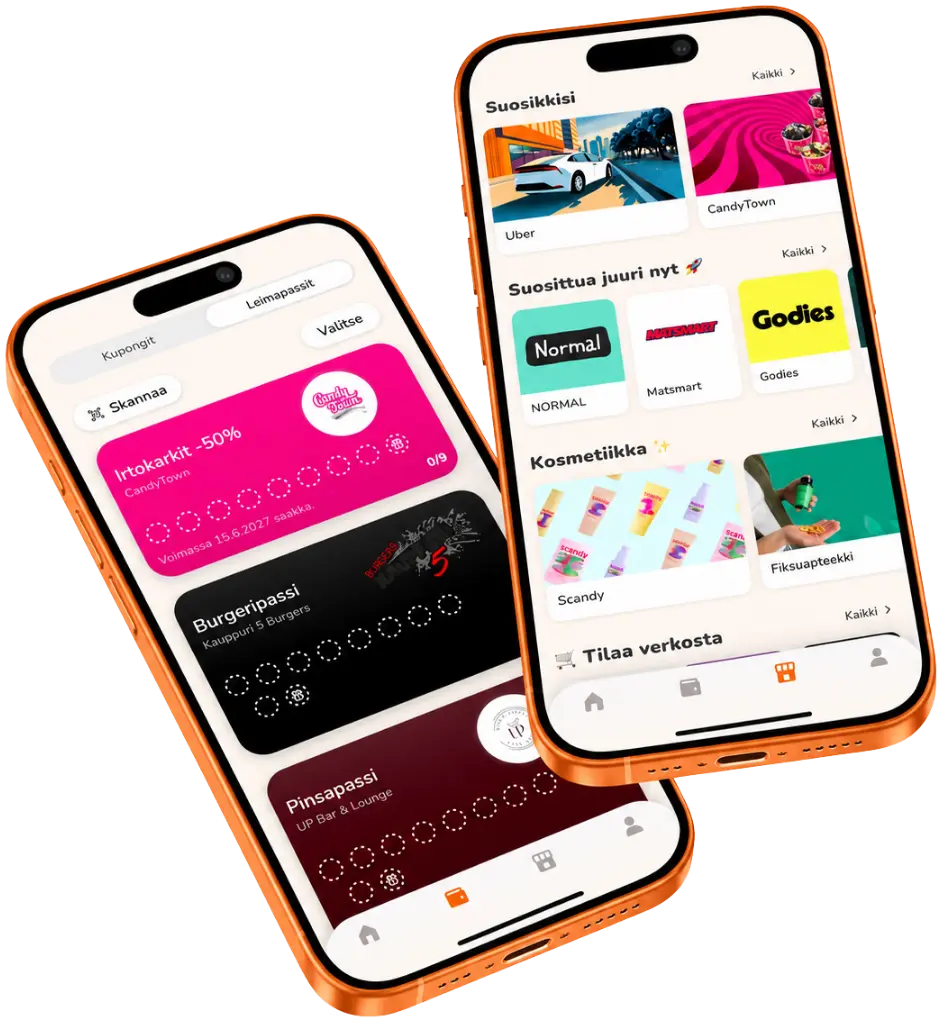
You can find stamp cards and the best coupons all in one app.
Säästä rahaa arjen ostoksissa ja löydä uusia tarjouksia silloin, kun niitä tarvitset. Kaikki edut löytyvät helposti yhdestä paikasta.
Unohda täyttyvät lompakot ja kadonneet leimapassit. Kerää leimoja, seuraa edistymistäsi ja lunasta palkinnot helposti suoraan puhelimellasi.
Tutustu paikallisiin yrityksiin, löydä uusia etuja ja kokeile jotain uutta juuri siellä missä liikut.
Collect stamps and earn rewards with your stamp passport. By adding them to your favorites, you can easily view coupons from your favorite businesses all in one place.
Here you'll find answers to the most common questions about using the app. If you can't find the answer you're looking for, our team will be happy to help.
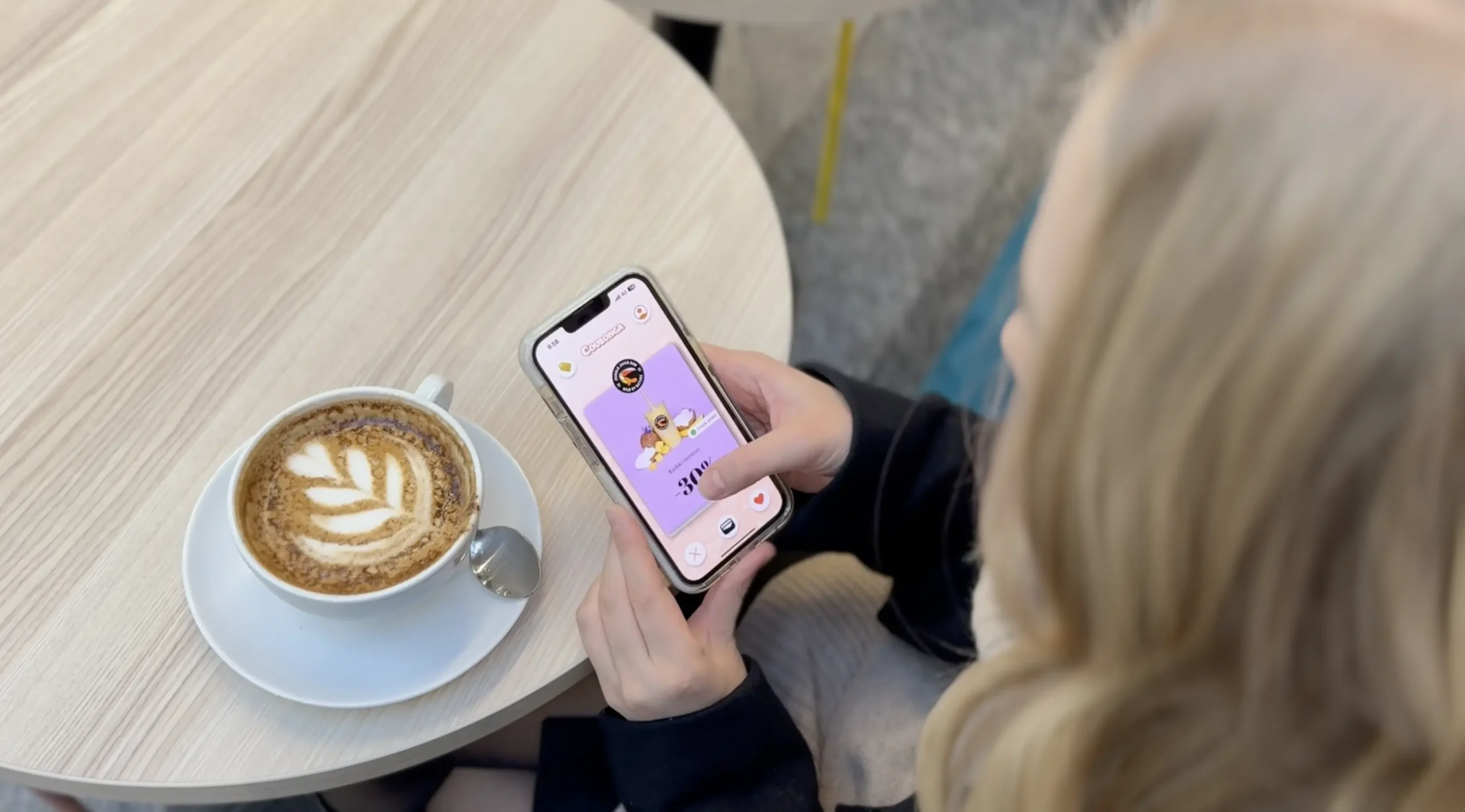
Coubonga is a Finnish mobile app that lets you easily and enjoyably find attractive coupons for online stores and local businesses in your area. In addition, with Coubonga, you can use stamp cards from businesses in your area and collect rewards by shopping at your favorite stores.
Downloading and setting up the Coubonga app is completely free.
To save a coupon to your wallet, first swipe the coupon to the right in the swipe view, or add the partner business to your favorites first and then save the coupon to your wallet from the business profile.
Please review the coupon terms and redemption instructions before redeeming the coupon.
You can redeem the coupon by visiting the store in person and presenting it at the register when making your payment. You can redeem the online store coupon by entering the discount code found on the coupon at the online store’s checkout.
To use Coubonga, you'll need the Coubonga app. You can download the app for free from either the App Store or the Google Play Store.
If the coupon is single-use, you can redeem it only once and only while supplies last.
If the coupon is reusable, you can redeem it multiple times as long as there are enough redemptions available.
In the app's swipe view, you can adjust the distance at which you want to view coupons. In the app's discovery view, you can see all the coupons available near you right away.
Please remember to allow Coubonga to access your location so you can see coupons near you.
If the discount code on the coupon does not work, please contact us at info@coubonga.com.
This is usually a technical problem that can be fixed easily and quickly.
Please remember to always check the terms and conditions of a coupon before redeeming it.
As a general rule, you can always use coupons at all of our partner companies’ locations. Please remember to always check the coupon’s terms and conditions for specific redemption instructions. You can also check the map displayed on the coupon to find the location.
You can stay informed about new coupons by enabling app notifications and subscribing to our newsletter.
When you add partner companies to your favorites, you'll always receive push notifications about new coupons from your favorite companies.
Be sure to check out the discovery view, too!
First, add a Coubonga partner business to your favorites from its profile. After that, you can collect stamps and rewards using your passport. To scan stamps into your stamp passport, use your phone at the NFC reader located at the partner business’s register.
You can view the stamps you've collected and your stamp card progress in the app's wallet view.
If a coupon expires before you have a chance to use it, it will be removed from your wallet.
